
Laptop Cleaner Guide: Safe, Effective Cleaning for Your Notebook
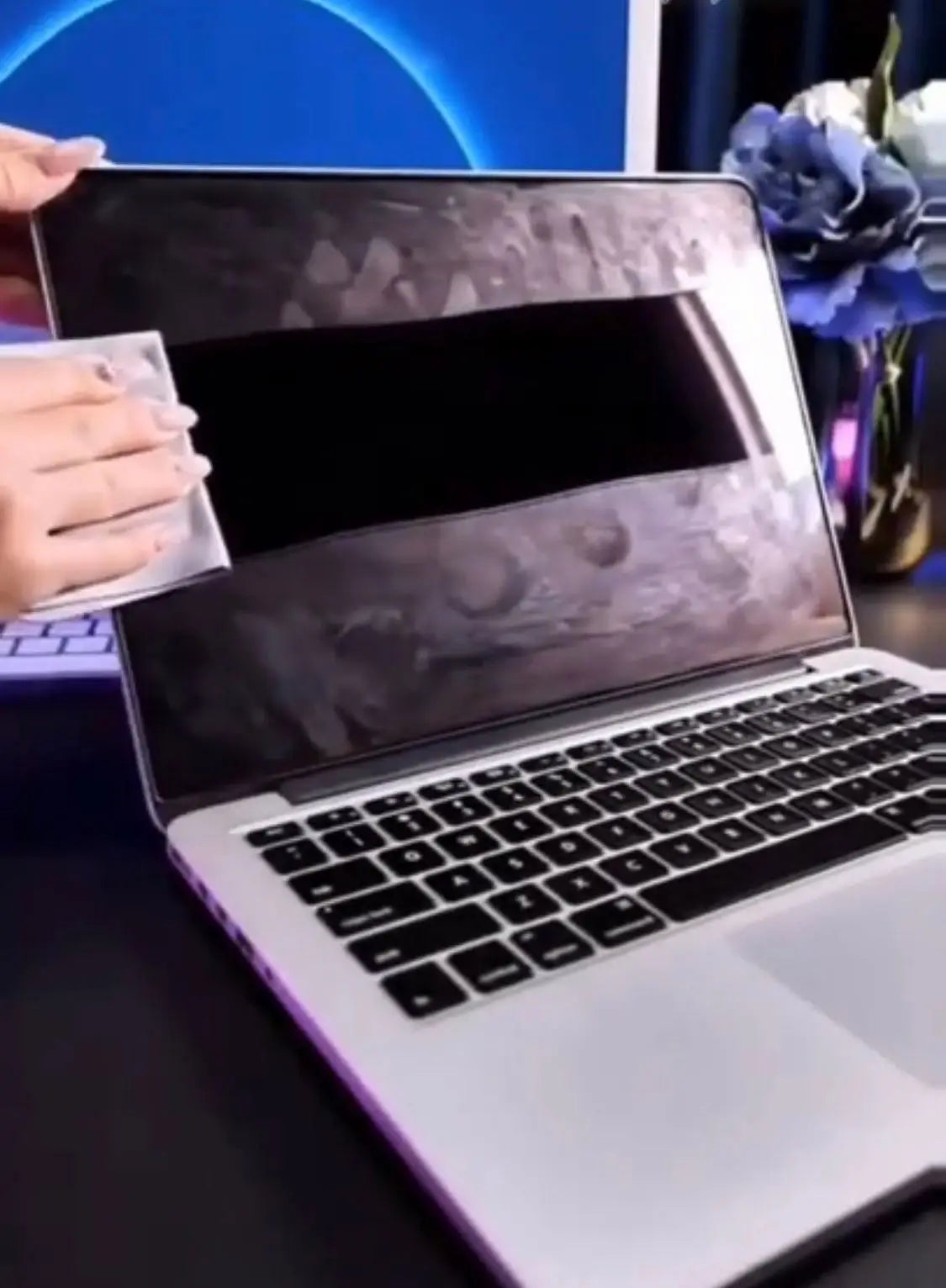
Laptops accumulate contamination in ways desktop computers don't. They travel in bags, sit on coffee shop tables, get used during commutes, and rest on laps that transfer fabric lint and skin cells to the underside. The keyboard collects crumbs, oils, and whatever residue is on your fingers throughout the day. The display picks up fingerprints, dust, and the occasional sneeze aerosol.
Cleaning a laptop incorrectly can damage the display coating, corrode keyboard components with excessive moisture, void a warranty, or short-circuit internal electronics if liquid migrates through gaps. A proper laptop cleaner approach addresses all of these surfaces safely and effectively.
What You Need to Clean a Laptop Properly
You don't need many products, but you do need the right ones.
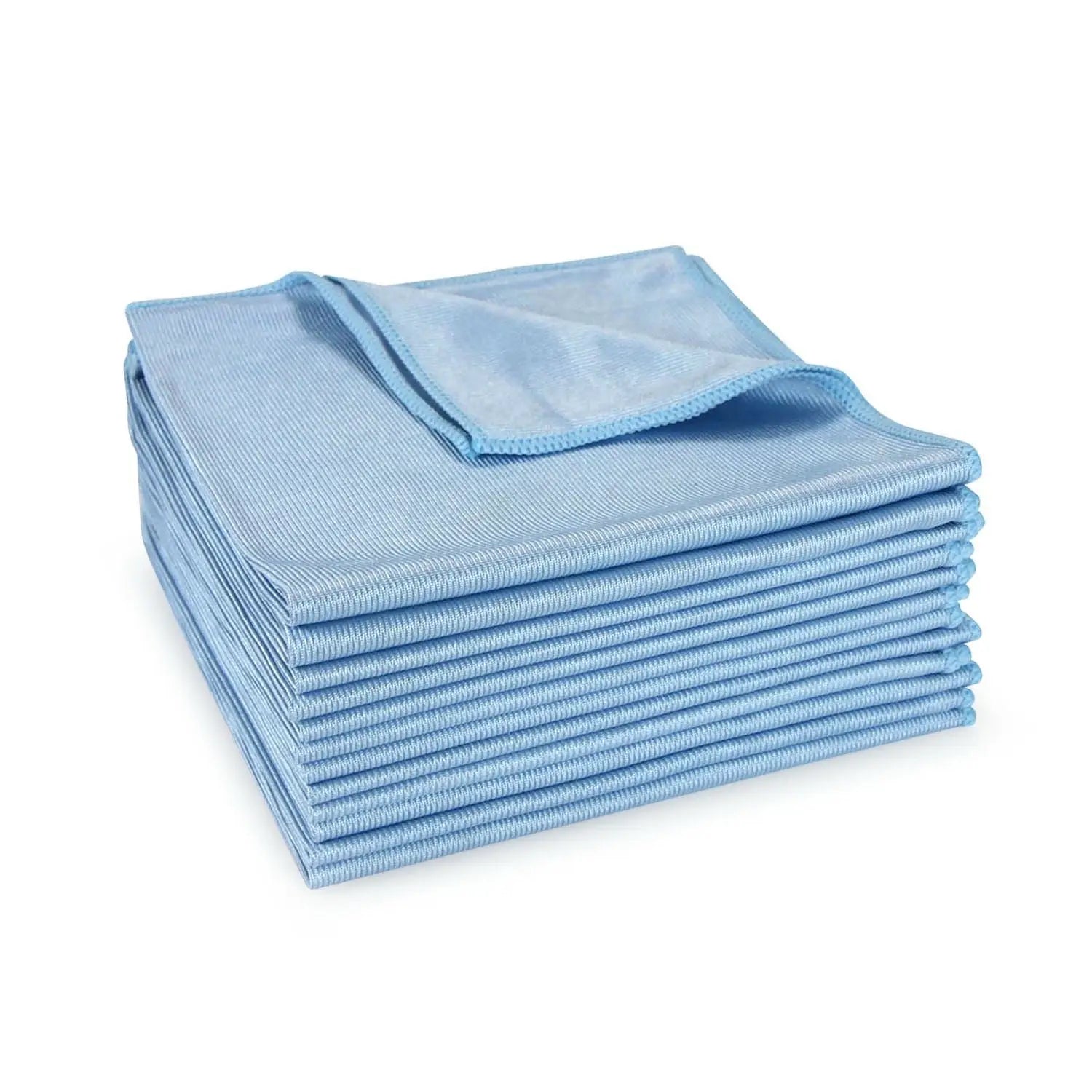
For the display: A microfiber cloth specifically rated for electronics cleaning (not the rough cloths used for glasses or car detailing) and a screen cleaning solution that's alcohol-free, ammonia-free, and electronics-safe. Clean My Tech's monitor cleaning spray is formulated specifically for this purpose and works on all display types including OLED, IPS, and anti-glare coated panels.
For the keyboard: High Powered Air Dusters for blowing debris out of key gaps, and a microfiber cloth slightly dampened with isopropyl alcohol (70% concentration) for surface cleaning between and around keys. A cotton swab can reach tighter gaps.
For the chassis/exterior surfaces: A microfiber cloth with a general electronics cleaning solution. Clean My Tech's cleaning spray works on aluminum, plastic, and carbon fiber chassis materials without streaking or leaving residue.
What to avoid: Paper towels on any surface (microscratches on displays and finishes), household cleaning products on any surface, spray bottles pointed directly at the keyboard or chassis (liquid can enter ventilation gaps and internal components), and excessive moisture anywhere on the laptop.
Display Cleaning: The Most Important and Most Misunderstood Step
The display is where most people make mistakes. Laptop displays are coated surfaces, specifically anti-glare coating on most professional and business-grade laptops and anti-reflective coating on glossy panels. Both are thin and relatively fragile.
Never use:
- Paper towels or tissues (abrasive under microscopy)
- Windows or glass cleaner (ammonia damages coatings)
- Undiluted isopropyl alcohol (strips oleophobic and anti-glare coatings over time)
- Any spray applied directly to the screen
Correct approach:
- Shut down the laptop and let it cool (warm panels cause cleaning solution to evaporate before it can dissolve oils)
- Apply a small amount of screen cleaning solution to a clean microfiber cloth
- Wipe the display in gentle circular or side-to-side motions with light pressure
- Follow immediately with a dry section of the microfiber for a streak-free finish
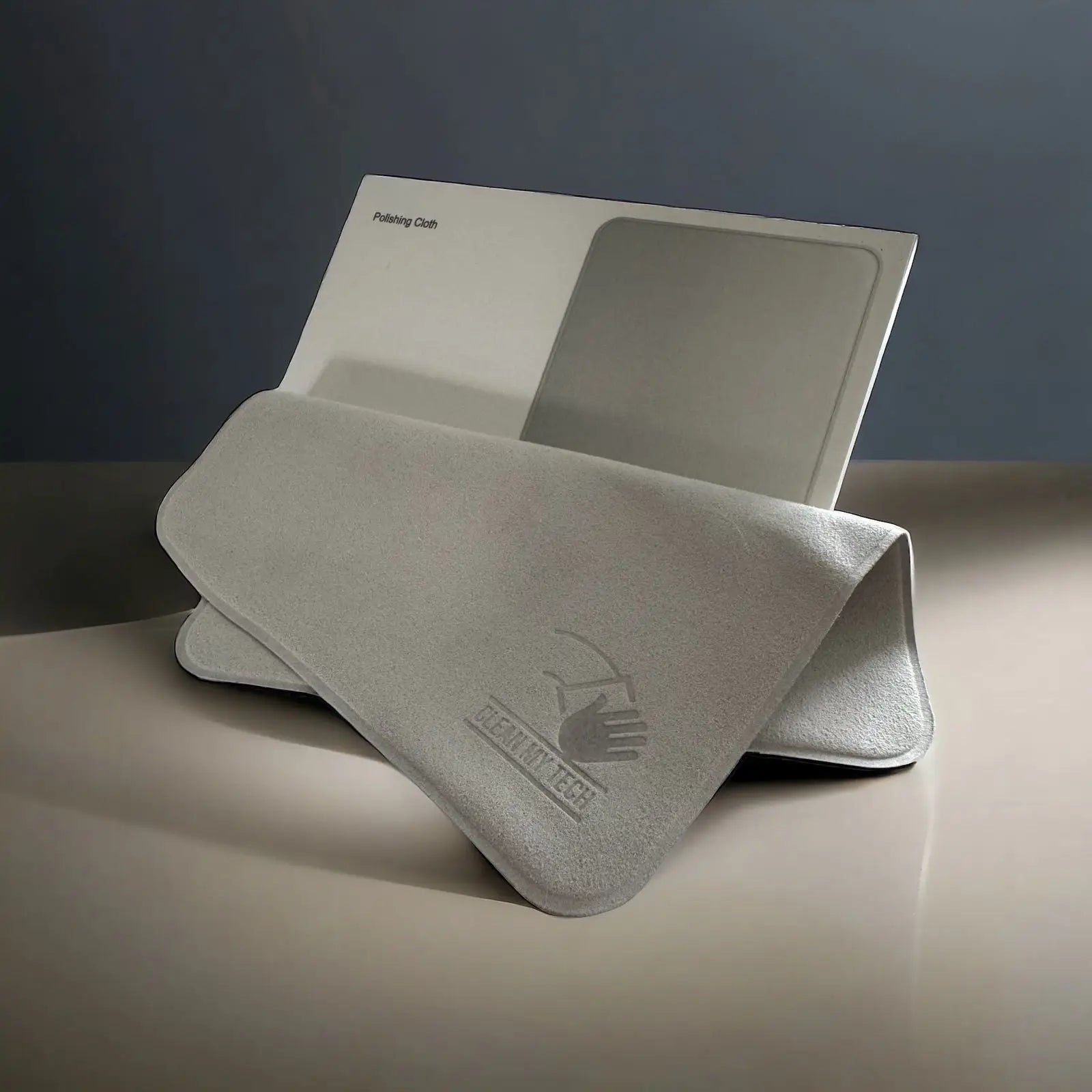
Clean My Tech's SILVADUR microfiber cloths leave no fibers on the display surface and provide antimicrobial action on the cloth between uses, preventing bacteria from the cloth being transferred back to the display on the next cleaning.
Keyboard Cleaning: Where Germs Actually Live
The laptop keyboard is the most contaminated surface on most laptops. Keyboards harbor food particles, dust mites, bacteria from hands, and whatever contaminants transfer from the surfaces the laptop has been placed on. Studies of keyboard contamination consistently find high bacterial loads, including fecal coliform bacteria on keyboards that have been used in bathrooms or by multiple users.
For routine keyboard cleaning, a microfiber cloth slightly dampened with 70% isopropyl alcohol is effective for surface sanitization between keys and across key caps. Allow alcohol to evaporate completely before using the keyboard. Isopropyl alcohol is safe at this concentration for keyboard cleaning and will not damage the laser-printed or pad-printed legends on key caps when used appropriately.
For debris removal in key gaps, brief bursts of compressed air blown at an angle (not straight down into the keyboard, which can push debris further in) clear most accumulated particles. Hold the laptop tilted at about a 45-degree angle so debris falls out rather than settling deeper into the mechanism.
Avoid inserting any implement between keys to dig out debris. This can dislodge key caps or damage the scissor switches and dome mechanisms beneath.
Chassis Cleaning: Aluminum, Plastic, and Carbon Fiber
MacBook aluminum chassis and similar metal-chassis laptops clean beautifully with a microfiber cloth and a small amount of electronics cleaning spray. The anodized aluminum finish is reasonably durable, though abrasives will scratch it.
Plastic chassis laptops may show fingerprints and oils more prominently on their textured surfaces. A slightly damp microfiber cloth with cleaning spray effectively removes oils without streaking.
Carbon fiber chassis laptops, common in premium business laptops like certain ThinkPad models, have a matte composite surface that responds well to the same approach.
The vents and speaker grilles can be cleared of dust with compressed air. Don't use a damp cloth on these openings.
Cleaning Frequency and Maintenance
For personal laptops used at home: display cleaning weekly, keyboard sanitizing weekly, full exterior cleaning monthly.
For work laptops shared between users, used in healthcare settings, or frequently used in public locations: daily keyboard sanitizing, display cleaning at least twice weekly.
For students using laptops in shared library or computer lab environments: keyboard sanitizing before and after use is a reasonable protective practice.
Clean My Tech's laptop cleaning kit provides the solution and SILVADUR microfiber cloth combination for full laptop cleaning. The compact format stores easily in a laptop bag for on-the-go cleaning, which is when and where most laptop contamination actually happens.
Check Out Our New Products or Bestsellers
